Footage stays off our servers
Footage and voice recordings never go to Saycut's servers, unless you use Saycut Cloud.
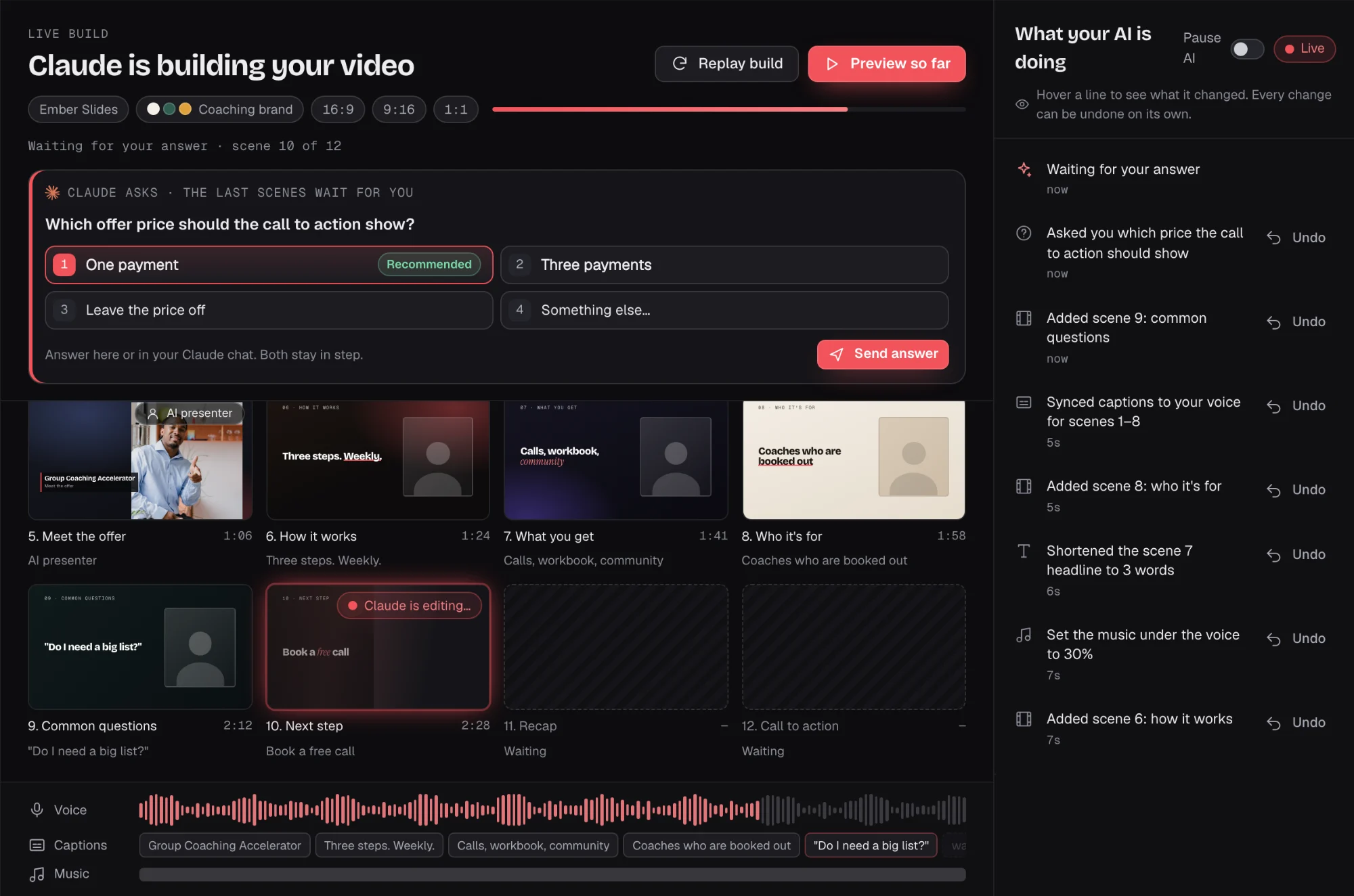
Saycut builds and exports on your own computer. Your AI gets the script, the transcript and small storyboard thumbnails, and sees footage only if it asks for frames or clips.
Mac and Windows, launching together



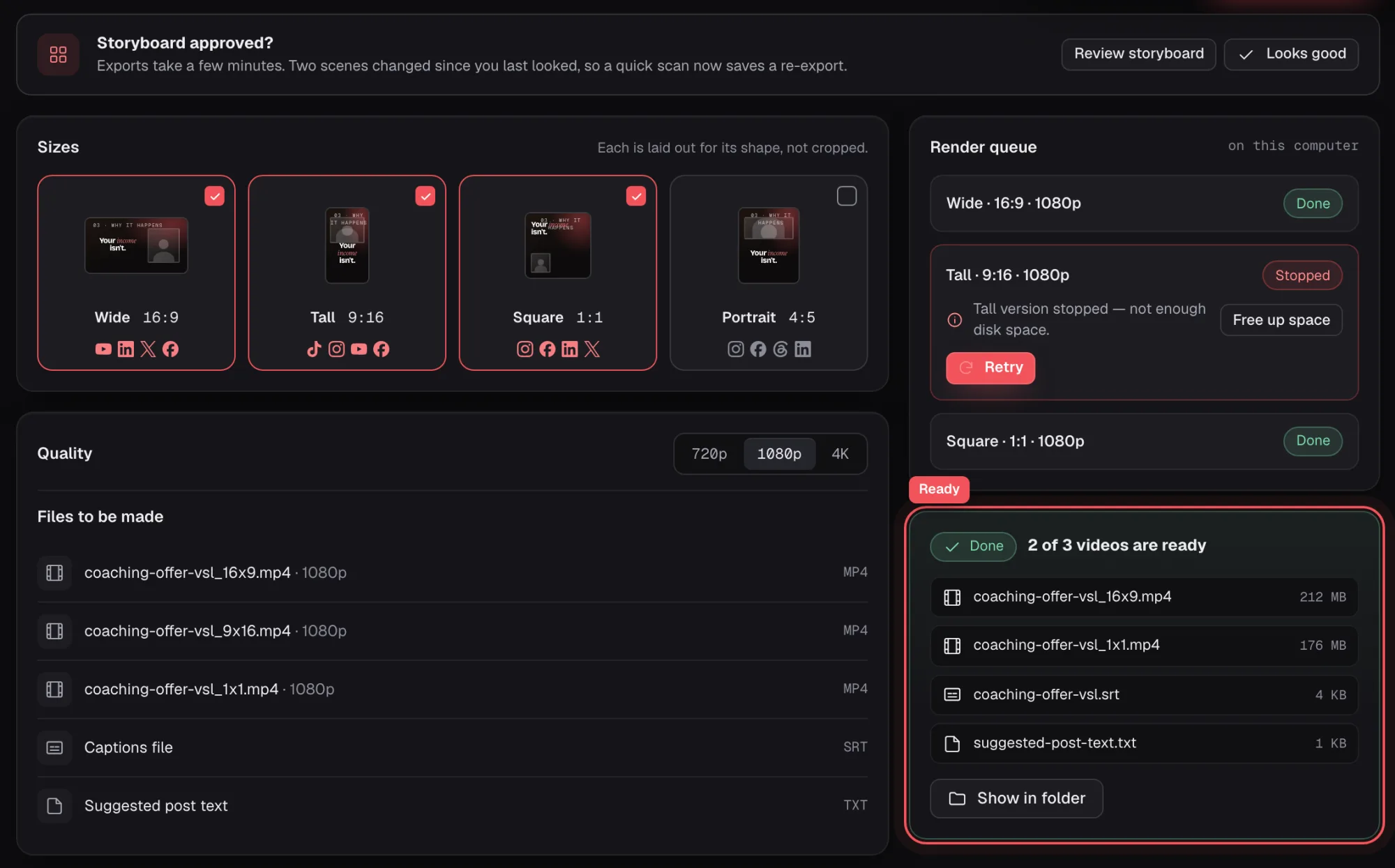
 Wide · 16:9 · 1080pReadyDone
 Tall · 9:16 · 1080pReadyDone
 Square · 1:1 · 1080pReadyDone
 Your AI appClaude, Codex or another AI
What it sees
Your footage only if it asks for frames or clips.
Saycut renders on your own computer, so there is no hosting step. Here is where each part of a project goes.
Footage and voice recordings never go to Saycut's servers, unless you use Saycut Cloud.
It gets the script, the transcript and small storyboard thumbnails. Footage only if it asks for frames or clips.
Saycut never stores your AI login and never reads another app's credential files.
Voices, AI presenters and AI shots show one before a paid job runs. Each project's budget starts at $0.
Your AI login and keys
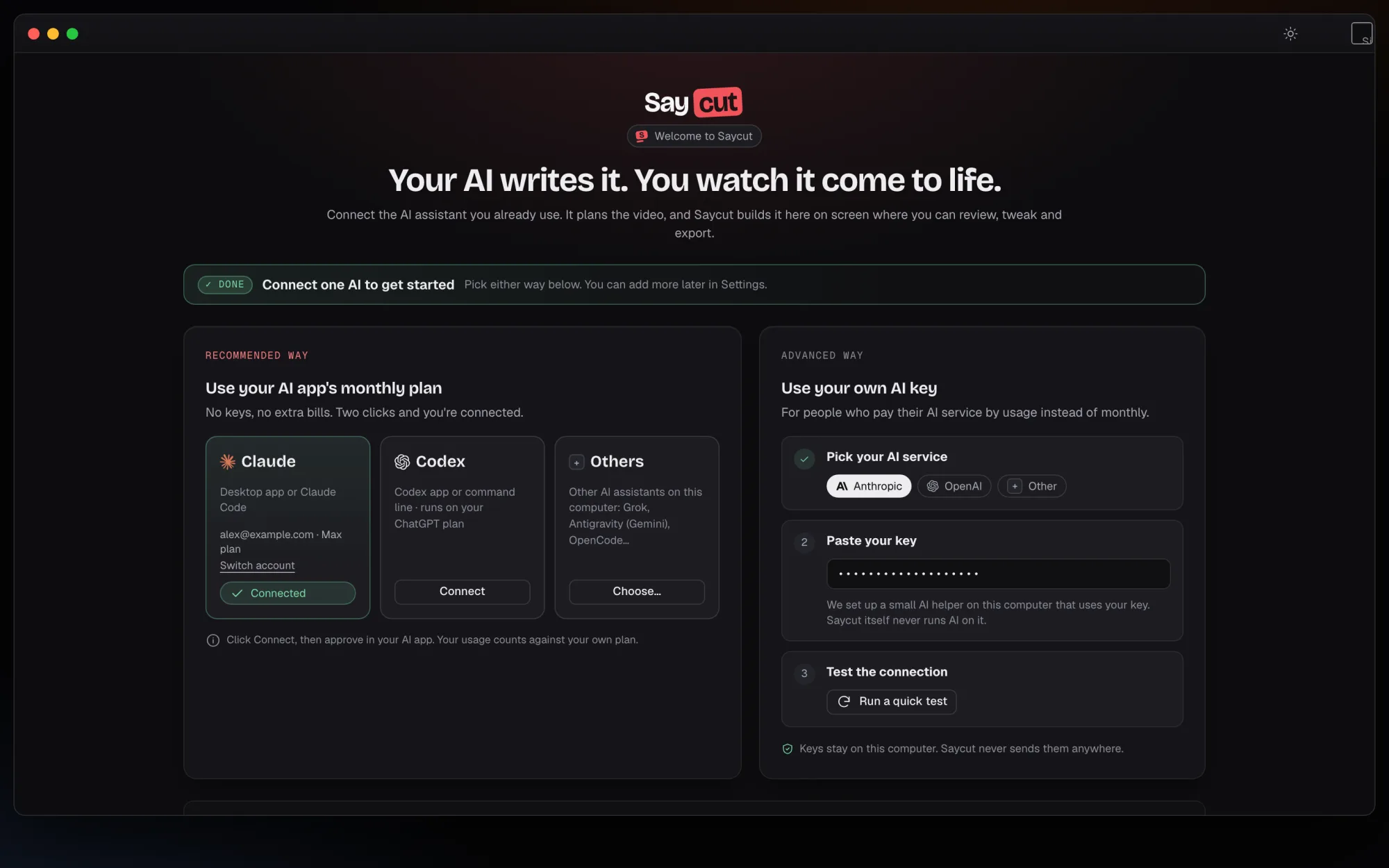
Saycut never stores your AI login and never reads another app's credential files. If you pay your AI by usage, your API key stays in your agent tool, and Saycut never runs AI on it.
Saycut's servers
Saycut's servers keep your account, your devices, your plan and usage counts. Footage and voice recordings never go there, unless you choose Saycut Cloud.
On Saycut's servers
On your computer
Unless you use Saycut Cloud.
Match this style
When you ask your AI to match the style of a video, it gets at most 24 small frames, each 512 pixels or smaller, plus sound measurements. It never gets the audio, and nothing goes until you confirm.
24 small frames, 512 px or smaller
Sound measurements
The audio itself stays on your computer
Export
Export runs on your Mac or Windows computer. It makes each size you pick, with a captions file and suggested post text.
Compose, preview and export work without internet. Sign-in, stock search and outside services still need it.
Join the waitlist and we'll email you when Saycut opens on Mac and Windows.